Illuminated doctoral hat (Arduino)
I asked "what if I could build a whole stage on a hat?" and in the end I found myself learning how to solder.
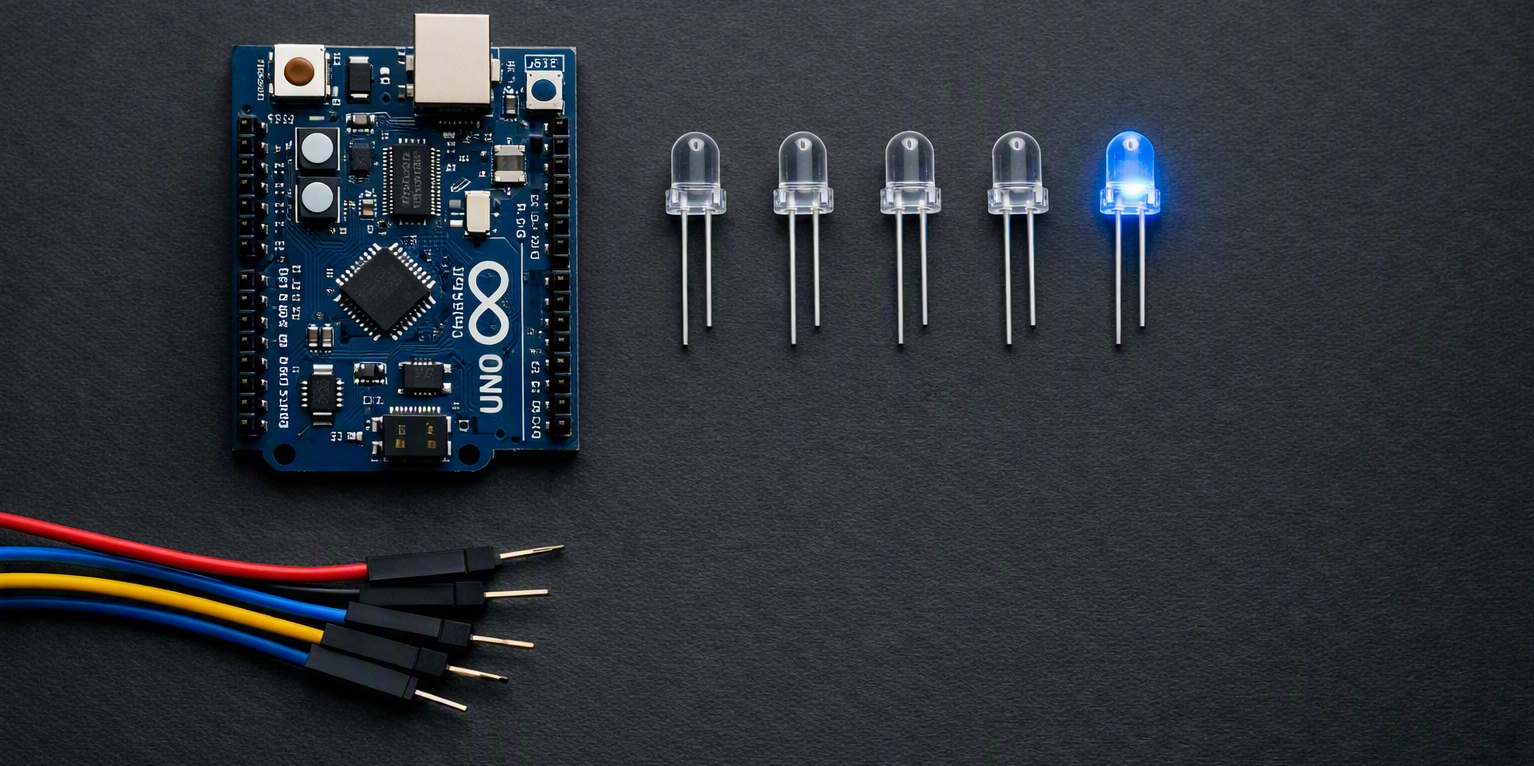
The challenge
In Germany there is this crazy but cute tradition of manually crafting a doctoral hat: colleagues design it to reflect the graduate's research and personality.
As she was the last PhD student of our lab, she was probably not expecting a hat at all, but I took this as a chance to build her the fabulous hat she deserves.
Our shared love for metal music and the fact that during her PhD time she learned how to set up and control stage lights, sparked the idea that I could build a miniature version of a stage.
But not just with some store-bought lights, but instead with a fully programmed Arduino-based lighting system.
I had previously bought a starter set for Arduino programming and have experimented a bit, but never had a full project to pursue, so this was my opportunity to finally get into it.
Tech Stack
Starting from scratch
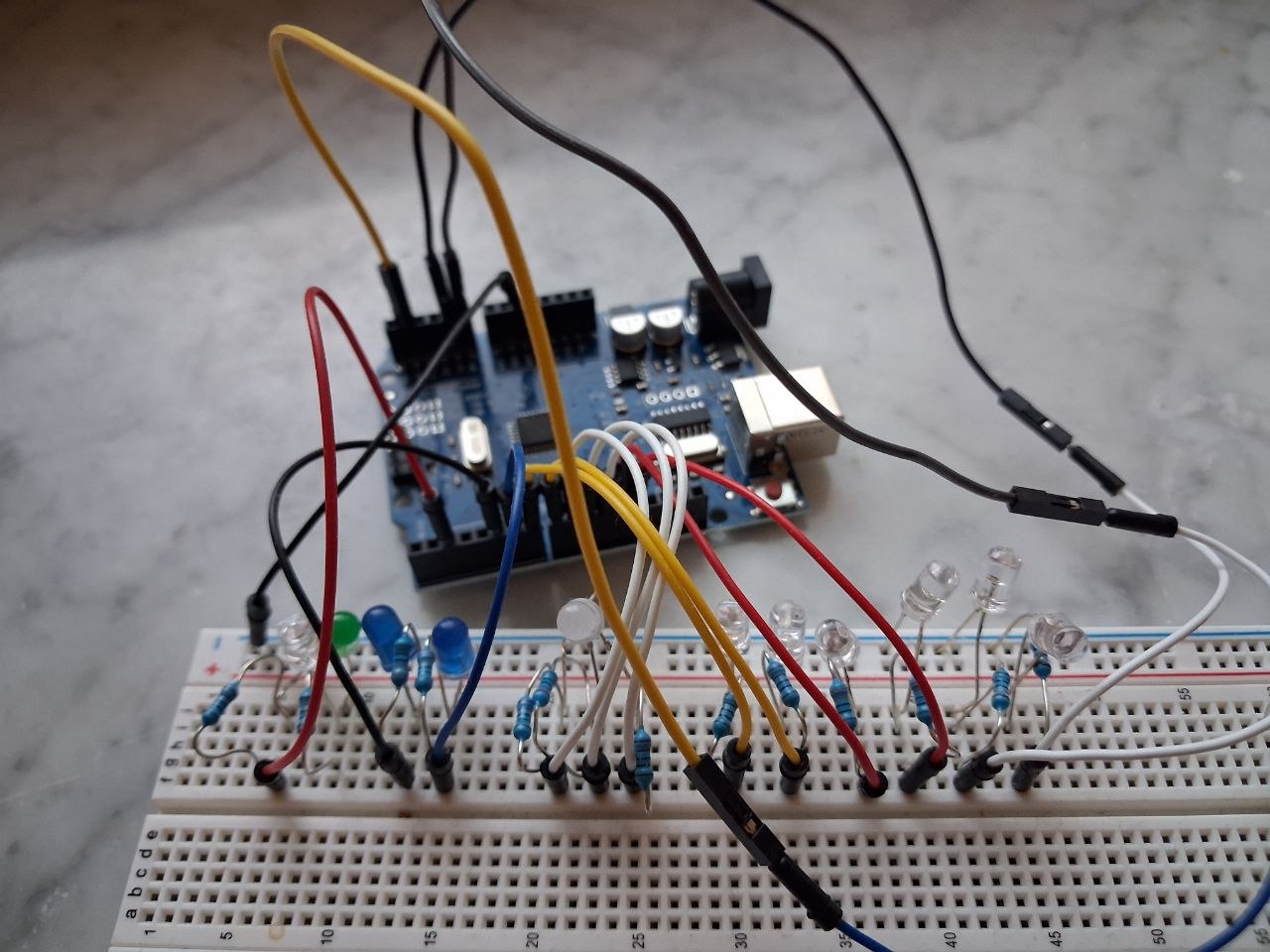
To start this project, I needed to design a circuit that could control multiple LEDs with varying brightness and colors.
I tested different configurations on the breadboard first and decided on a sequence that made use of a RGB-LED and several single color LEDs.
I used one function to create a soft pulsing light in which I gradually increased the brightness of the RGB LED and left the matching single color LEDs turned on.
And then I used another function to create a strobe effect in which the selected LEDs are turned on and off in quick sequence.
// ------------------------------------------------------------
// PINS
// ------------------------------------------------------------

// single color LEDs
const int YELLOW1   = 7;
const int YELLOW2   = 8;
const int ORANGE1 = 12;
const int ORANGE2 = 13;
const int LILAC1   = A0;
const int LILAC2   = A1;
const int GREEN1 = A4;
const int GREEN2 = A5;

// RGB-LED (Common Cathode)
const int RGB_R = 9;
const int RGB_G = 10;
const int RGB_B = 11;


// ------------------------------------------------------------
// SETUP
// ------------------------------------------------------------
void setup() {

  // single color
  pinMode(YELLOW1,   OUTPUT);
  pinMode(YELLOW2,   OUTPUT);
  pinMode(ORANGE1, OUTPUT);
  pinMode(ORANGE2, OUTPUT);
  pinMode(LILAC1,   OUTPUT);
  pinMode(LILAC2,   OUTPUT);
  pinMode(GREEN1, OUTPUT);
  pinMode(GREEN2, OUTPUT);

  // RGB
  pinMode(RGB_R, OUTPUT);
  pinMode(RGB_G, OUTPUT);
  pinMode(RGB_B, OUTPUT);
}


// ------------------------------------------------------------
// LOOP
// ------------------------------------------------------------
void loop() {
  stagelight();
  delay(500);
}


// ------------------------------------------------------------
// Helper functions
// ------------------------------------------------------------
void rgbColor(int r, int g, int b) {
  analogWrite(RGB_R, r);
  analogWrite(RGB_G, g);
  analogWrite(RGB_B, b);
}

void rgbPulse(int r, int g, int b, int stepDelay) {
  for (int i = 0; i <= 255; i += 5) {
    rgbColor(r * i / 255, g * i / 255, b * i / 255);
    delay(stepDelay);
  }
  for (int i = 255; i >= 0; i -= 5) {
    rgbColor(r * i / 255, g * i / 255, b * i / 255);
    delay(stepDelay);
  }
}

void Smooth(int r, int g, int b, String color, int stepDelay){
  // check which color it is
  int led1 = YELLOW1;
  int led2 = YELLOW2;
  if (color == "yellow"){
    led1 = YELLOW1;
    led2 = YELLOW2;
  }
  else if (color == "orange"){
    led1 = ORANGE1;
    led2 = ORANGE2;
  }
  else if (color == "lilac"){
    led1 = LILAC1;
    led2 = LILAC2;
  }
  else if (color == "green"){
    led1 = GREEN1;
    led2 = GREEN2;
  }
  for (int i = 0; i <= 255; i += 5) {
    rgbColor(r * i / 255, g * i / 255, b * i / 255);
    digitalWrite(led1, HIGH);
    digitalWrite(led2, HIGH);
    delay(stepDelay);
  }

  for (int i = 255; i >= 0; i -= 5) {
    rgbColor(r * i / 255, g * i / 255, b * i / 255);
    digitalWrite(led1, HIGH);
    digitalWrite(led2, HIGH);
    delay(stepDelay);
  }
}

void Strobo(String color, int times){
  int led1 = YELLOW1;
  int led2 = YELLOW2;

  for (int i = 0; i < times; i++) {
    if (color == "yellow"){
      led1 = YELLOW1;
      led2 = YELLOW2;
    }
    else if (color == "orange"){
      led1 = ORANGE1;
      led2 = ORANGE2;
    }
    else if (color == "lilac"){
      led1 = LILAC1;
      led2 = LILAC2;
    }
    else if (color == "green"){
      led1 = GREEN1;
      led2 = GREEN2;
    }
    digitalWrite(led1,   HIGH);
    digitalWrite(led2,   HIGH);
    delay(60);
    digitalWrite(led1,   LOW);
    digitalWrite(led2,   LOW);
    delay(60);
  }
}

// ------------------------------------------------------------
// Stage Pulse + Strobe
// ------------------------------------------------------------
void stagelight() {

  Smooth(255, 200, 0, "yellow", 10);
  Strobo("yellow", 2);

  Smooth(255, 40, 0, "orange", 10);
  Strobo("orange", 2);

  Smooth(180, 0, 255, "lilac", 10);
  Strobo("lilac", 2);

  Smooth(0, 255, 0, "green", 10);
  Strobo("green", 2);

  // RGB final strobe effect
  rgbColor(255, 255, 255);
  delay(100);
  rgbColor(0, 0, 0);
  delay(300);
}
Learning how to solder
The previous steps were the easy ones. Now I actually had to learn how to solder the components together.
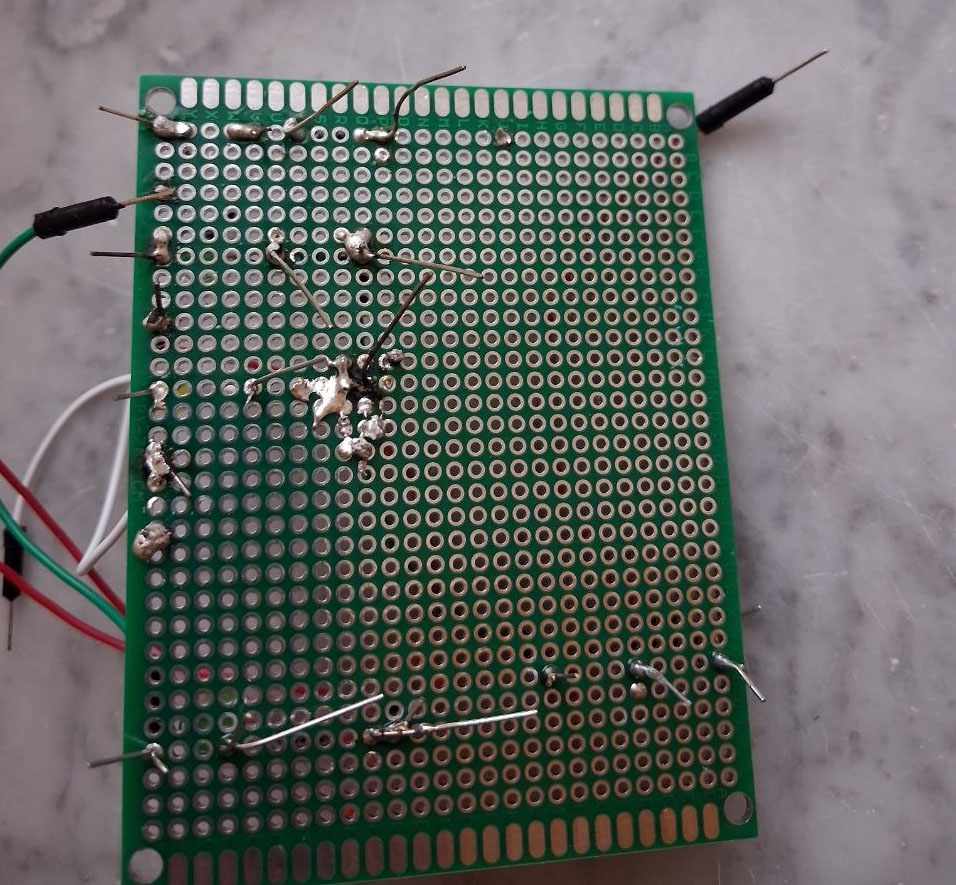
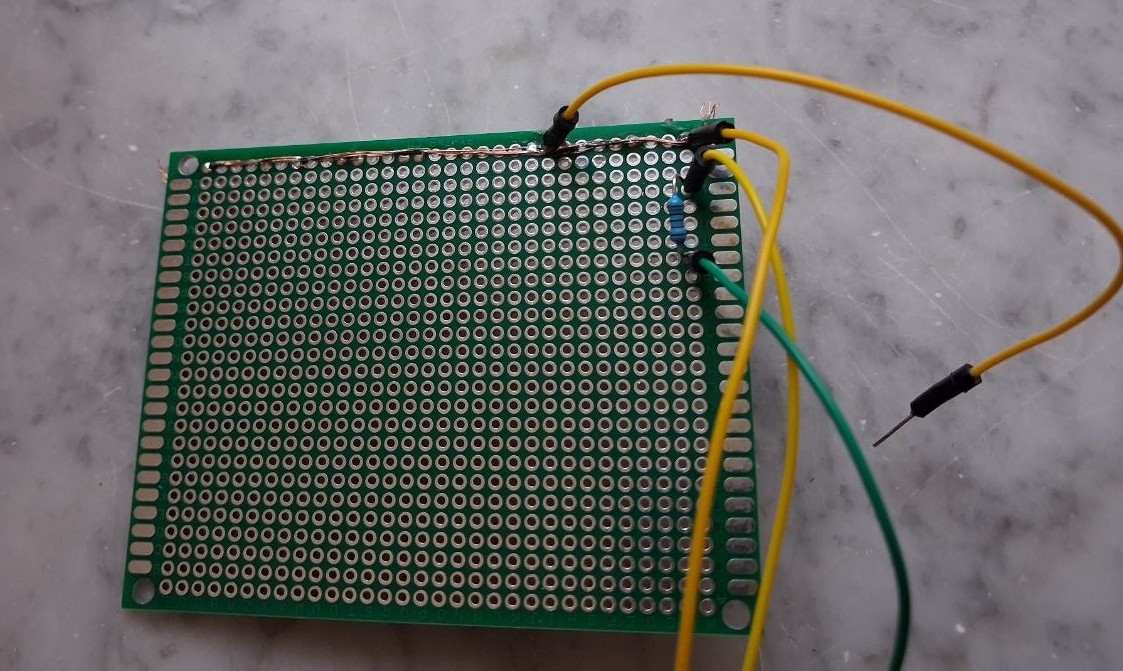
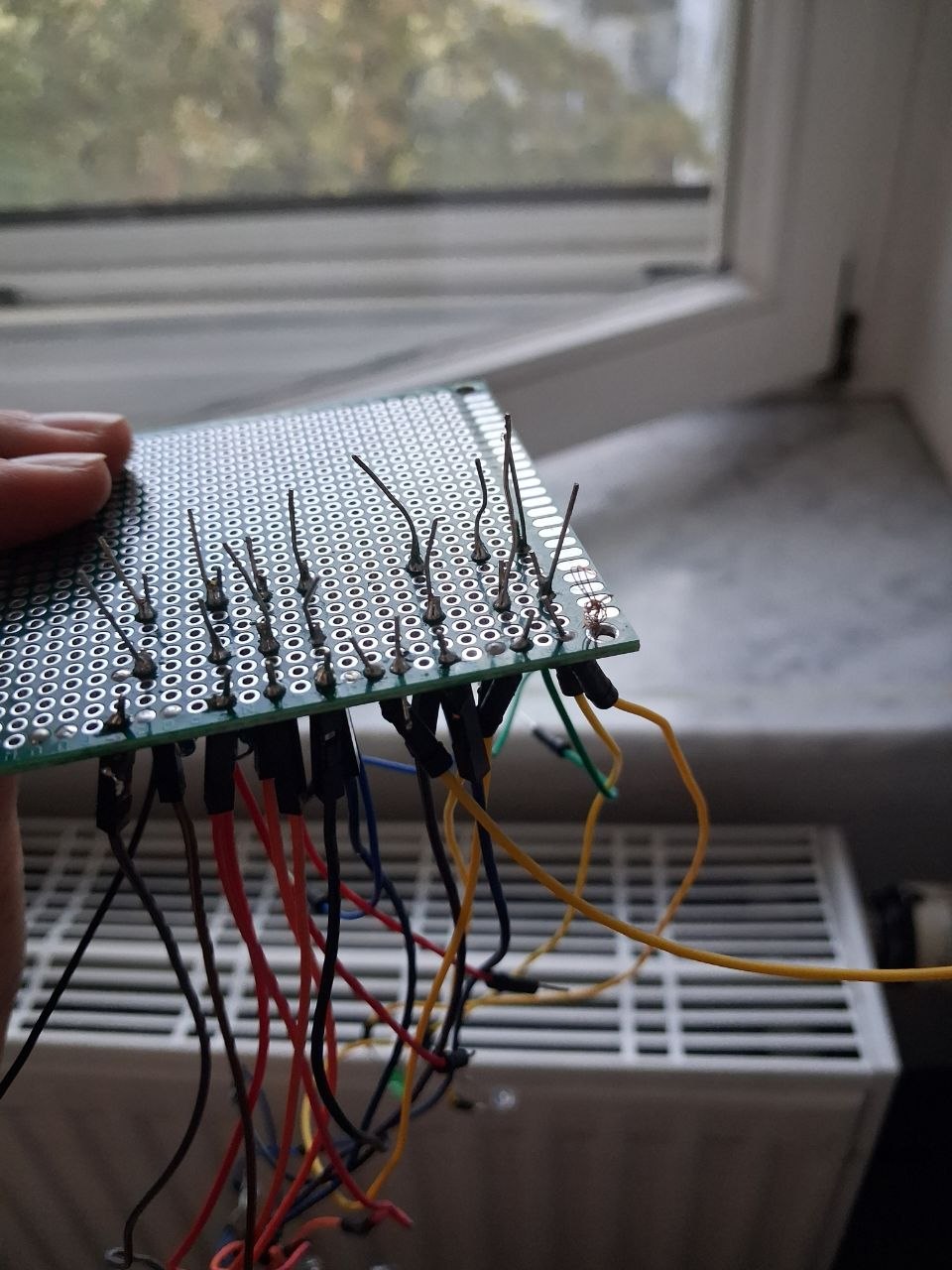
Getting there
When all the LEDs and resistors were connected, I also needed to connect a battery. But this was now easy, as I was getting more used to soldering.
The final result
I hid the entire electronics module inside a papercrafted miniature stage, where all our PhD students appeared as tiny paper figures. The lighting system can be switched on and off with a small button at the back of the hat, so the whole stage comes to life when you press it. And of course I added plenty of extra decorations on the hat — but at least those didn't take several days to build.
What I learned
- How to solder! I always thought it is a cool thing to be able to do, but never got the hang of it before
- How to design a circuit for multiple LEDs and to control everything via Arduino
- That it is best to have a real-life project to learn something new