Setting up a pain research lab
The lab started as a collection of devices with no shared language. I built the system that brought them together.
The challenge
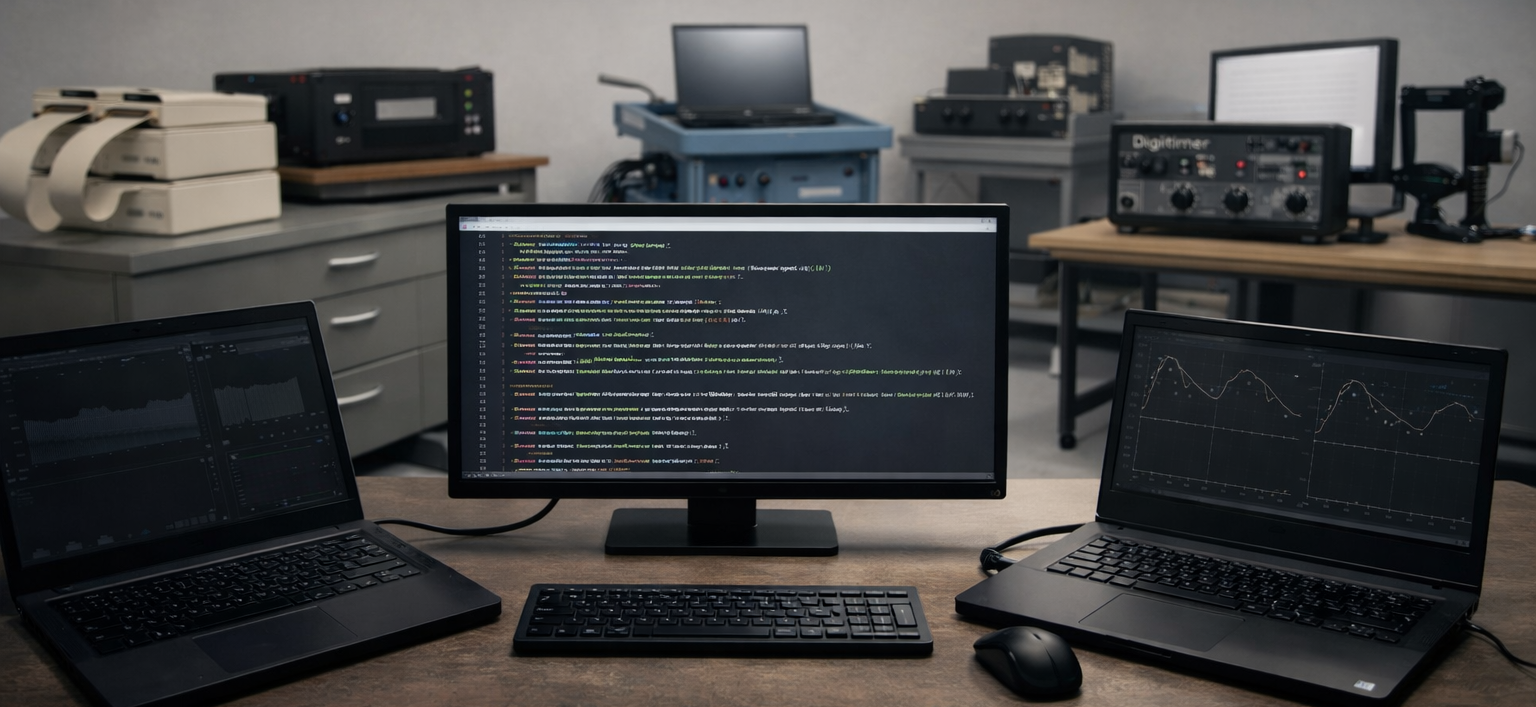
Being one of the first people in the lab meant building the entire control infrastructure from scratch without established routines or inherited workflows. New pain stimulation devices arrived, and none of them spoke to each other yet. My task was to create a unified system by writing Python code that controlled laser, electrical, and thermal stimulators while synchronizing EEG, EMG, skin conductance, ECG, respiration, and eye tracking recordings. This project turned a room full of disconnected hardware into a fully coordinated pain research laboratory.
Research & Analysis Stack
How to establish connections
Parallel Port (TTL triggers)
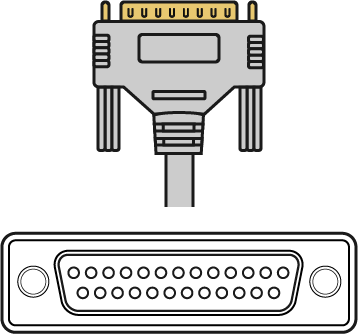
Used for: EEG, EMG, skin conductance, ECG, respiration, CO₂ laser, Thermode Pathway CHEPS
Role: Sending precise event markers with millisecond accuracy
Serial Communication (RS-232 / USB-Serial)
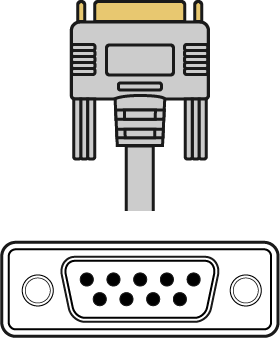
Used for: Button boxes, Nd:YAP laser, Thermode QST Thermal Cutaneous Stimulator
Role: Sending commands, reading device status
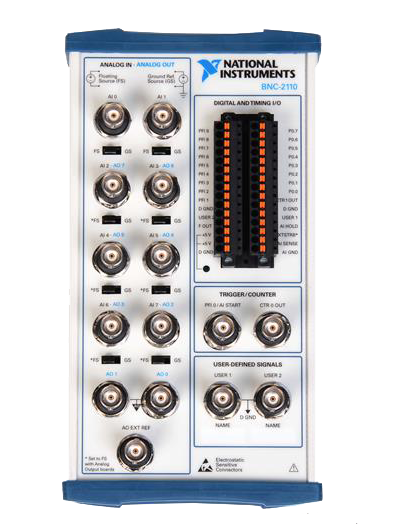
Analog Voltage Control
Used for: CO₂ laser, Digitimer
Role: Controlling exact temperatures or amplitudes via voltage

Ethernet Connection
Used for: Eye-tracking, real-time analysis
Role: Enabling high-speed data streaming, remote device control, and real-time synchronization
Examples
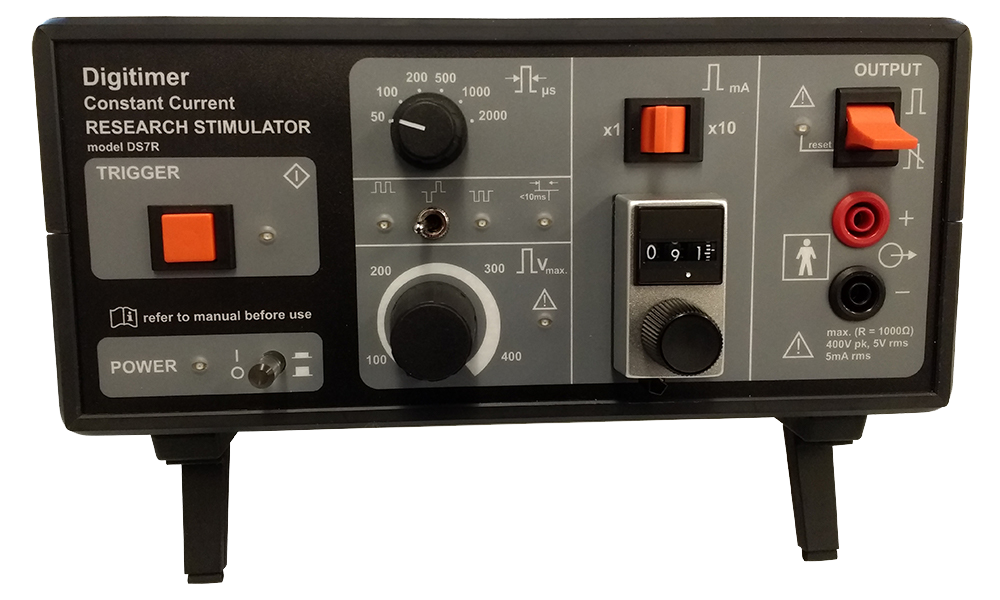
Digitimer
Connections: Parallel Port, Analog Voltage
The digitimer is used for electrial stimulation. Either you send simple triggers via parallel port to start the stimulation that is currently set on the device or control the amplitude directly. For the latter you need a device that can convert digital signals to analog voltages. We used a National Instruments Box. With this you can even use digital ports to select the electrode using an electrode switcher device.
import parallel
import time

# settings
num_trials = 10
# how long the stimulus is programmed in milliseconds:
stim_dur = 200
# how long the inter-stimulus interval (ISI) is programmed in milliseconds:
isi_dur = 1000
# how long the trigger needs to be (to be detected by the device) in milliseconds:
trigger_dur = 10

# parallel port for device (here first port)
p_out = parallel.Parallel(port=0)
p_out.setData(0)

for i in range(num_trials):
    stim_given = False
    trial_start = time.time()
    while (time.time() - trial_start) <= (stim_dur / 1000):
        if not stim_given:
            while time.time() - trial_start <= trigger_dur / 1000:
                # sets pin 6 high, count from back, starts at 2
                # Could add more outputs here through extra pins (parallel ports with multi output)
                p_out.setData(int("00010000", 2))
            # set all pins low:
            p_out.setData(0)
            print('Trial ' + str(i + 1))
            stim_given = True

    # wait for the inter-stimulus interval (ISI)
    time.sleep(isi_dur / 1000)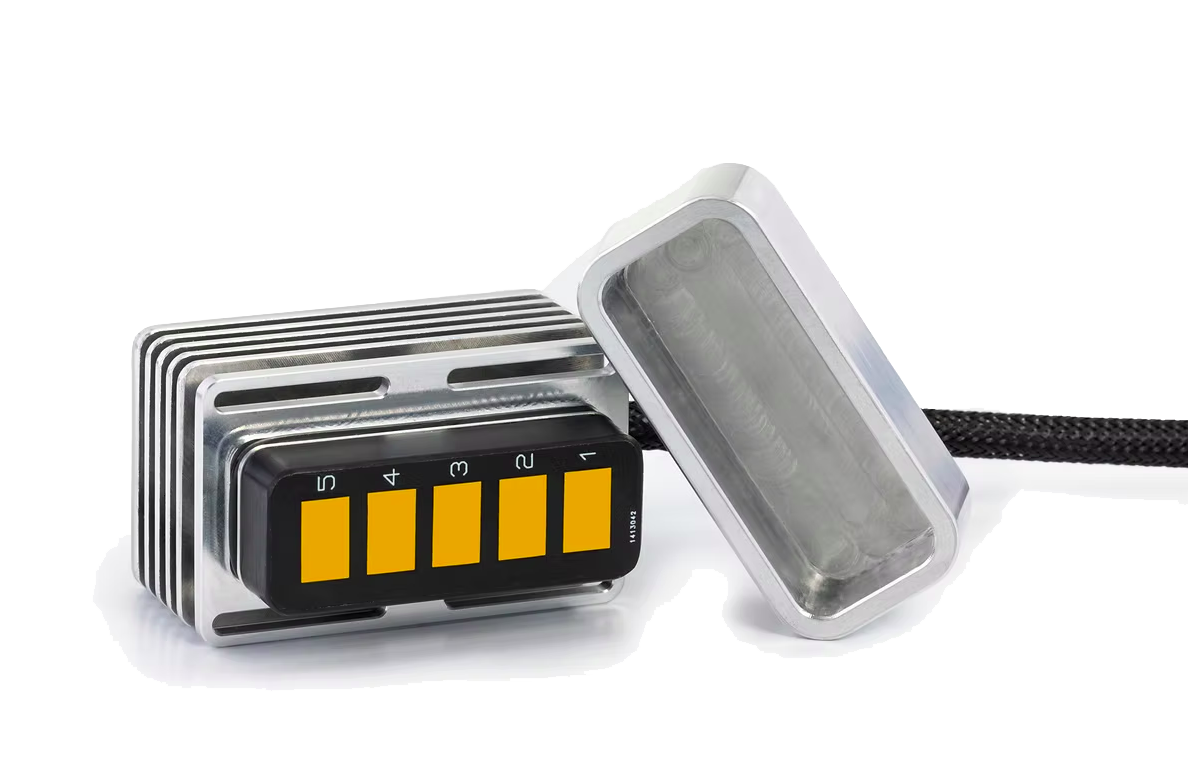
Thermode (QST)
Connections: USB Port (Serial communication)
The thermodes by QST.Lab (see their website) have 5 stimulation zones that can be set to different temperatures. I implemented the normal stimulation mode (setting all parameters to a specific constant, then starting the stimulation) as well as the point to point mode (allows for more advanced stimulation protocols like ramps).
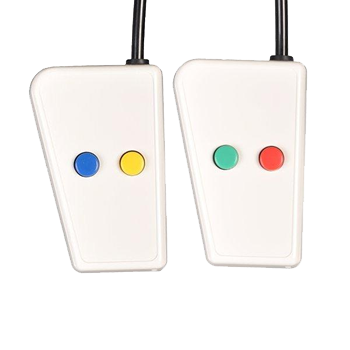
Button boxes
Connections: Serial Port
Button boxes are used to collect participant responses. The functions should be specific to the devices you have. In our case they had two buttons on the left and two buttons on the right side.
Nd:YAP Laser
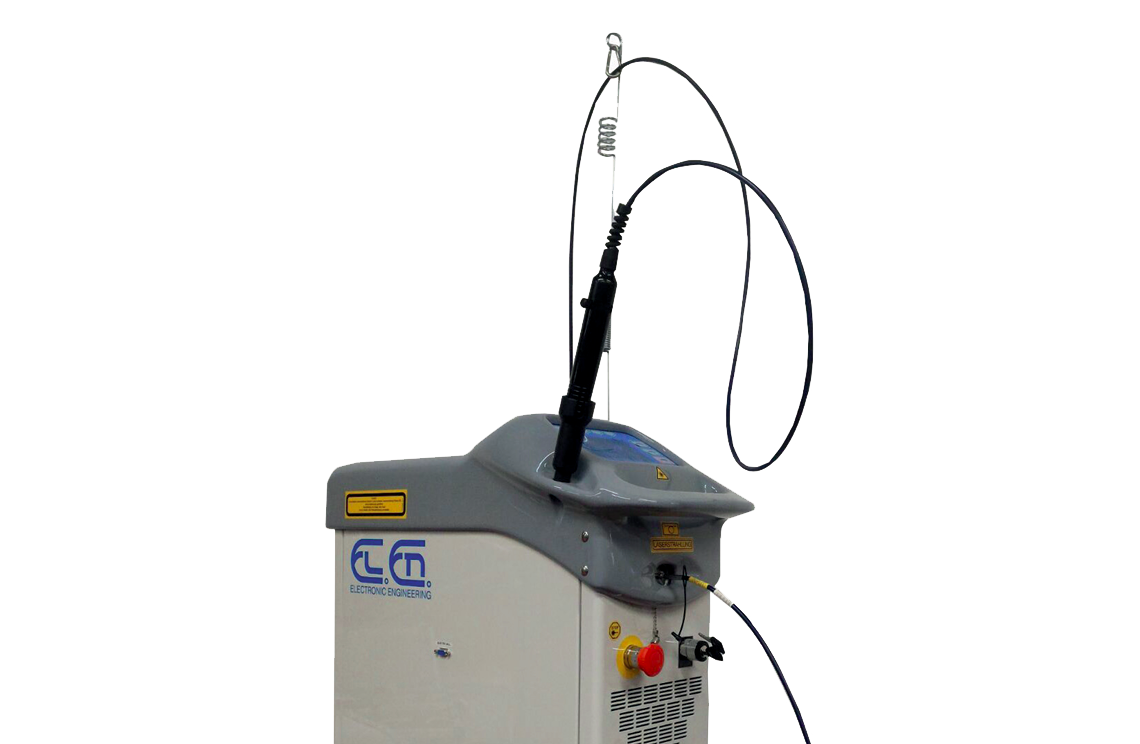
Connections: Serial Port
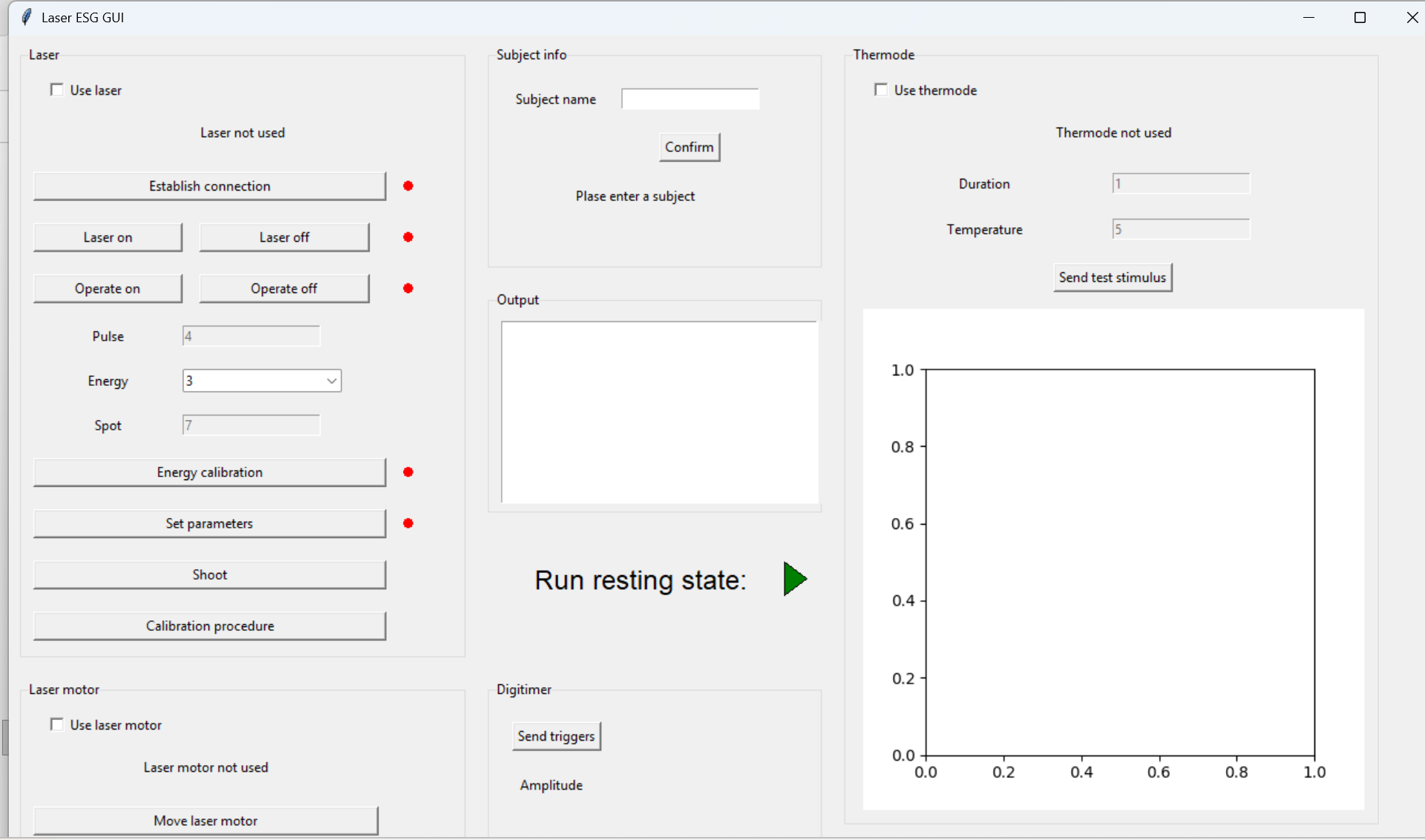
The laser is used to deliver precise pain stimuli to the participant. It can also be controlled manually or with simple TTL pulses but we wanted to be able to change the intensity remotely. Therefore I implemented a full module. To accomodate the need for a user-friendly access I also implemented a GUI for a specific experiment.